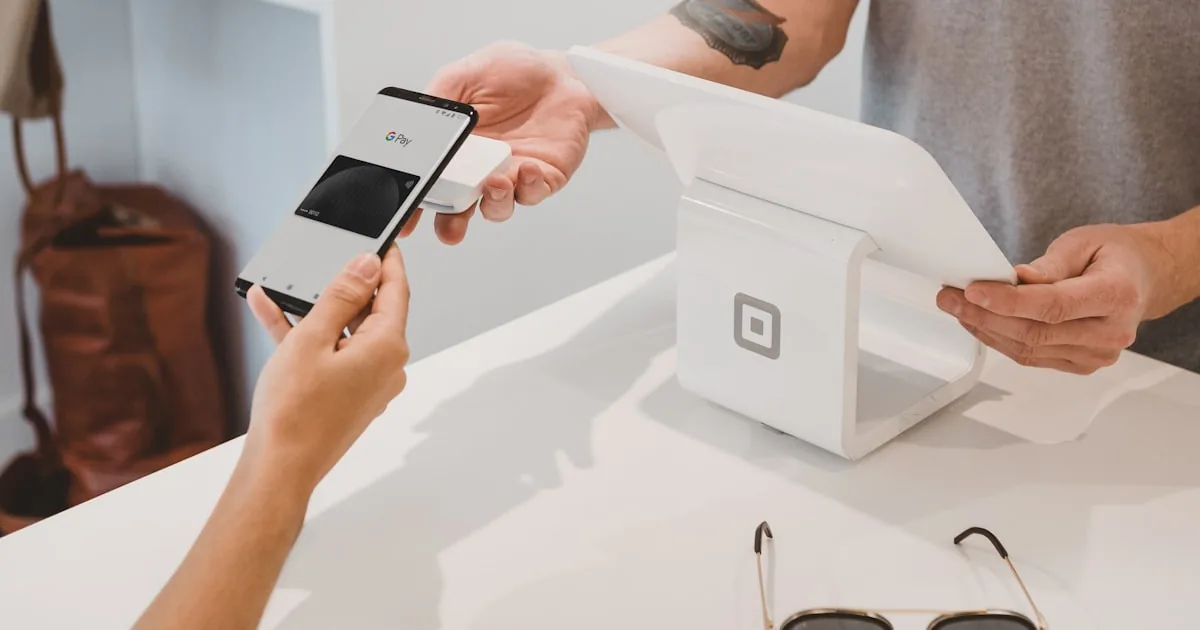
Shopify Checkout is the hosted payment and order page shoppers use after cart. You configure it in Settings → Checkout (and related payments, shipping, and customer account settings). You do not “install checkout.” Theme tweaks do not replace missing shipping rates or a disconnected gateway. For field-level controls, use Shopify Help Center: checkout.
Quick answer
Complete payments and shipping first. Then in Settings → Checkout, set customer contact (email/phone), marketing opt-in language that matches your privacy policy, order processing (auto or manual), and any tips or additional scripts Shopify still allows on your plan. Choose customer accounts (guest checkout vs accounts) based on what your admin currently offers. Place a test order. Customize checkout branding in the checkout editor only after a test order succeeds. Full checkout extensibility is a Plus / higher-plan product, not a Basic requirement.
Prerequisites (or checkout will fail)
- A real product with a price
- A shipping rate or local pickup for the customer’s address
- A payment method in Settings → Payments
- Policy pages linked where Shopify expects them: important pages
If any of those are missing, “setup” is not the editor. It is store settings.
Step-by-step: checkout settings
- Open Settings → Checkout.
- Customer contact. Require email. Phone is useful for carriers; do not require it if you will not use it.
- Customer accounts. Options change as Shopify ships “new customer accounts.” Pick a mode you will support: guest-only is simpler for a first launch; accounts help repeat buyers if you will actually send them a login experience.
- Marketing options. If you collect email consent at checkout, the wording must match what you do with the address. Connecting an ESP comes later.
- Tipping / additional fees. Turn on only if you will explain them and handle them in reports. Surprise tips on a $12 candle brand can look odd.
- Order processing. Automatic capture vs manual. Manual is safer if you need to confirm stock; automatic is simpler if inventory is true.
- Abandoned checkouts. Shopify can email shoppers who leave checkout. Enable only if the from-address is real and you are ready for those emails. This is not a substitute for a full lifecycle tool.
- Save. Complete a test purchase (Shopify Payments test mode, Bogus gateway on a development store, or a small live order you immediately refund—follow Shopify’s current test docs).
Checkout and accounts editor
Shopify’s checkout editor lets you adjust branding and, on some plans and dates, extra content blocks. Path is typically Settings → Checkout → Customize. Market-specific checkout customizations have been documented for higher plans; see customizing checkout for markets. Do not assume every block exists on Basic.
Never paste random JavaScript “conversion pixels” into checkout unless Shopify’s current additional-scripts / pixels model supports it. Prefer Settings → Customer events / pixels with a documented destination.
Payments at checkout
Shop Pay, Apple Pay, Google Pay, and local methods appear when your processor and region allow them. You enable wallets in Payments, not by installing a fake “Apple Pay app.” If a wallet does not show, it is eligibility, not a missing theme section.
Third-party gateways can add a Shopify transaction fee. Cited US table (29 August 2026): pricing.
Shipping at checkout
Checkout shows rates from Shipping and delivery. If the customer’s country has no rate, they cannot complete. Local pickup must be offered as a method, not only mentioned on the homepage.
Common mistakes
- Customizing checkout fonts before a test order works.
- Requiring accounts, then never sending the account invite email.
- Enabling abandoned checkout from
no-reply@myshopify.comyou do not monitor. - Collecting marketing consent and then buying an email list workflow you did not disclose.
- Expecting theme cart “dynamic checkout buttons” to fix a missing gateway.
What to do next
Walk the launch checklist. Then launch by turning the password off. Conversion experiments are a later cluster; we will not invent a checkout conversion rate.
Checkout configuration is a merchant task. If you need theme and checkout UX work after you have traffic, AalphaLeo Digital Solutions (+91 9288621081) can help. Take one real test order yourself first.
Frequently asked questions
Can I use a custom checkout app instead of Shopify Checkout?
On standard plans, Online Store checkout is Shopify Checkout. Alternatives (headless, Plus extensibility, some sales channels) are different products. Do not install a random “replace checkout” app without reading Shopify’s rules—many will be blocked.
Why is Shop Pay missing?
Region, processor, Shop Pay eligibility, and whether you are in a preview theme. Check Payments and Shopify’s Shop Pay help article.
Should I use automatic order capture?
If inventory is accurate and products are not high-fraud, automatic is simpler. Use manual if you must review orders before taking the card.
Does checkout speed depend on my theme?
Checkout is a Shopify-hosted page. Theme bloat still hurts the path to checkout (cart, product pages). Keep apps off the storefront until they earn their place.

AalphaLeo Digital Solutions
Publisher of FACTASH. Practical technology, AI, and search operations writing. No invented credentials.
Publisher pageRelated articles

What Is Shopify? A Plain-Language Explanation for New Store Owners
Shopify is a hosted commerce platform for selling online, in person, and on connected channels from one admin. What it includes, what you st…

What Are Shopify Product Tags and How Should You Use Them?
Shopify product tags are admin merchandising labels for collections, search, and apps—not a ranking shortcut. Naming conventions, what to ta…

What Are Shopify Apps and How Do They Work?
Shopify apps connect to your store via permissions, App Store install, theme embeds, and fees. Native tools vs third-party, scopes, and what…