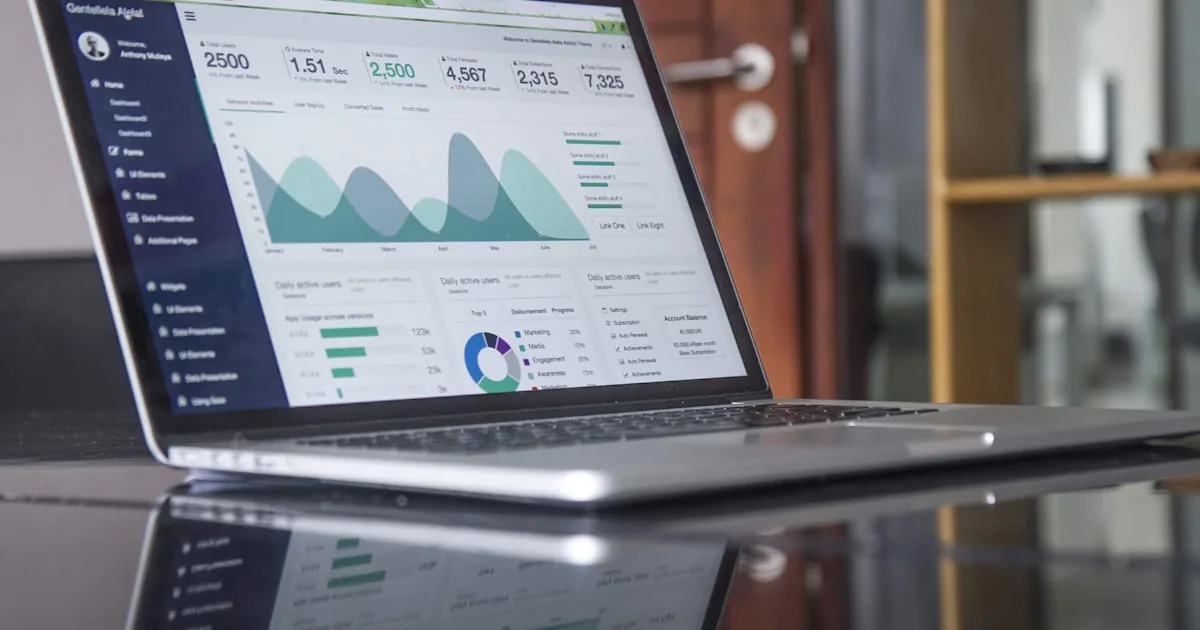
Shopify Analytics is the set of admin reports for what the store did: sessions on the Online Store, orders, revenue, products that sold, and the conversion Shopify reports for that traffic. It is the ledger you open after a launch. Google Analytics 4 is a second system for acquisition paths and Google’s event model. They will not match 1:1. This guide will not invent a “good” conversion rate or an industry-average AOV. Your numbers are your baseline.
Plan tier affects which reports you see. Shopify documents extra reporting on higher plans. If a report is missing, check pricing and Analytics in admin—not a 2022 YouTube tour. Official map: Shopify analytics and reports. Marketing context: Shopify marketing complete guide.
Quick answer
Use Analytics (and Reports) for orders, revenue, top products, sessions, and Shopify’s conversion rate. Sessions = Online Store visits as Shopify counts them. Conversion = Shopify’s reported rate (typically sessions that completed checkout ÷ sessions), which is not always orders ÷ sessions. AOV = revenue ÷ orders as that report defines revenue—read the footnote. Top products = units or revenue by SKU. Add GA4 when you need Google/channel paths. Compare with order IDs.
Admin analytics vs GA4
| Question | Prefer |
|---|---|
| Did we get paid? What SKU moved? | Shopify orders and product reports |
| How many storefront visits? | Shopify sessions (know the caveats) |
| Which Google/Meta campaign? | Ads managers + GA4, UTMs, then Shopify |
| Funnel in Google’s model | GA4 |
| Staff who should not live in Google | Shopify home cards and live view |
Shopify counts what it can see from storefront and checkout. Cookie banners, ad blockers, and server-side quirks create gaps. GA4 adds consent mode, modeling, and its own session definition. Dual tagging makes GA4 look “better” by double-counting. Setup: GA4 for Shopify. Search Console is yet another product: Search Console for Shopify.
Live View in Shopify is for “is anyone here,” not for strategy.
Sessions
A session is a visit as Shopify defines it—not unique customers. Password-on traffic is not comparable to a public store. Other channels (POS, Shop) may sit in other reports. If sessions drop after a consent banner, you may have fewer tracked visits, not a marketing collapse. Do not disable consent to “get numbers back.”
Conversion rate (read this before you panic)
Shopify’s conversion rate over time / behavior reports describe conversion as the percentage of sessions that resulted in a purchase—in practice, sessions that completed checkout divided by sessions. That is Shopify’s reported rate. You can also compute orders ÷ sessions from the same period. They diverge when:
- One session contains multiple orders.
- A paid order is not tied to a tracked storefront session (some checkouts, some privacy states, some channels).
Say which formula you are using in any meeting. Do not paste a blog’s “average Shopify conversion rate.” Improvement is a process: Shopify conversion rate and CRO framework.
Segment before you judge: device, channel, new vs returning, landing page. A blended number hides a mobile product-page failure.
Average order value (AOV)
AOV is typical order value in that report’s revenue definition. Bundles and thresholds raise it; forced checkout add-ons can raise refunds too. Do not benchmark AOV against a thread. Jewelry and soap do not share a number.
Top products
Top products by units or revenue tell you what sold, not what should sell. Use them to:
- Keep inventory on winners.
- Fix titles and photos on SKUs that get sessions but not orders (analytics + product page, not a new app).
- Stop advertising a dead SKU.
Collection and landing-page reports (where your plan includes them) show whether a URL earns its traffic. Pair with retargeting only when the product page is honest.
A weekly beginner rhythm
- Orders and fulfillment — the truth.
- Sessions vs last period — same password state, similar mix.
- Conversion (Shopify’s rate) — if it moved, ask which device/channel.
- AOV — did discounts gut it?
- Top 10 products — stock and ads alignment.
- One acquisition check — UTM or ads manager, not six dashboards.
Skip vanity: bounce rate arguments between GA4 and Shopify, “users” vs sessions without a definition, real-time spikes from your own staff.
Common mistakes
- Treating GA4 as the order ledger.
- Quoting an industry conversion average as a KPI.
- Changing theme, ads, and price in the same week and “reading analytics.”
- Ignoring the report footnote for tax and shipping in revenue.
- Comparing a preview theme’s traffic to production.
What to do next
Bookmark Analytics. Add GA4 when you will look at it. Launch discipline: how to launch a Shopify store. Hub: Shopify 101 category.
You can read these reports without an analyst. If you later need a measurement map that does not double-count ads, AalphaLeo Digital Solutions can review the stack. Phone / WhatsApp: +91 9288621081. Optional. Opening Analytics after the first paid order is not.
Frequently asked questions
Why don’t Shopify and GA4 conversion match?
Different session rules, consent, blockers, refunds, timezone, and duplicate tags. Reconcile with order IDs. Do not fire purchase twice to close the gap.
Is Shopify Analytics enough?
For knowing what sold and a storefront conversion trend, yes. For Google-heavy acquisition and custom events, add GA4. For email, use the ESP.
Where is conversion rate in admin?
Under Analytics / reports Shopify currently labels conversion or behavior (names move). Read the column description in that report. If your plan hides it, use orders and sessions from reports you do have and say you computed orders ÷ sessions.
Should I hire someone to “set up analytics”?
Not to look at last week’s sales. Hire when you have conflicting pixels, a Plus data warehouse, or ads that cannot see purchases. Until then, the beginner loop above is the job.

AalphaLeo Digital Solutions
Publisher of FACTASH. Practical technology, AI, and search operations writing. No invented credentials.
Publisher pageRelated articles

What Is Shopify? A Plain-Language Explanation for New Store Owners
Shopify is a hosted commerce platform for selling online, in person, and on connected channels from one admin. What it includes, what you st…

What Are Shopify Product Tags and How Should You Use Them?
Shopify product tags are admin merchandising labels for collections, search, and apps—not a ranking shortcut. Naming conventions, what to ta…

What Are Shopify Apps and How Do They Work?
Shopify apps connect to your store via permissions, App Store install, theme embeds, and fees. Native tools vs third-party, scopes, and what…